Fedora Staging Guide
| Author |
Date |
Revision |
| Caleb Brendel | 03/31/2026 | 1.0 |
| Related product (if any): |
Fedora 43 + |
| Description: | Setup / basic tutorial for getting a working install for Fedora Kinoite or Fedora Silverblue :) |
| Symptoms: |
Wanting to get a proper install going with all codecs, video drivers, etc. |
| Cause: |
Stability :3 |
| Files Needed: |
N/A |
| Steps to Correct: |
|
| Written Steps: | Visual Steps: |
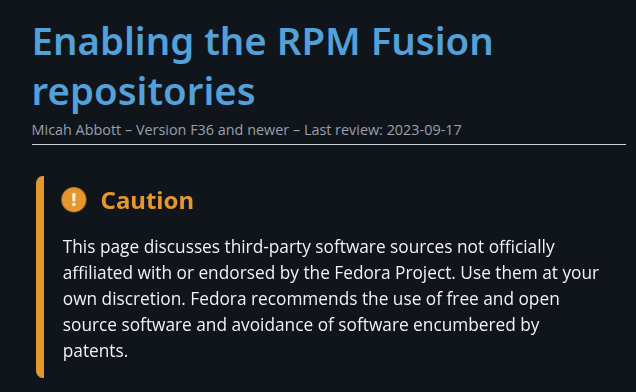
| 1a. Install the Free and Non-Free Repositories: (reference: https://docs.fedoraproject.org/en-US/quick-docs/rpmfusion-setup ) |
|
|
1b. After navigating to the website to ensure the documentation is correlating to the commands below, then execute them.
Firstly, open a terminal. Either, Konsole, cool-retro-term, Kitty, xTerm, or any of the terminal emulators. |
|
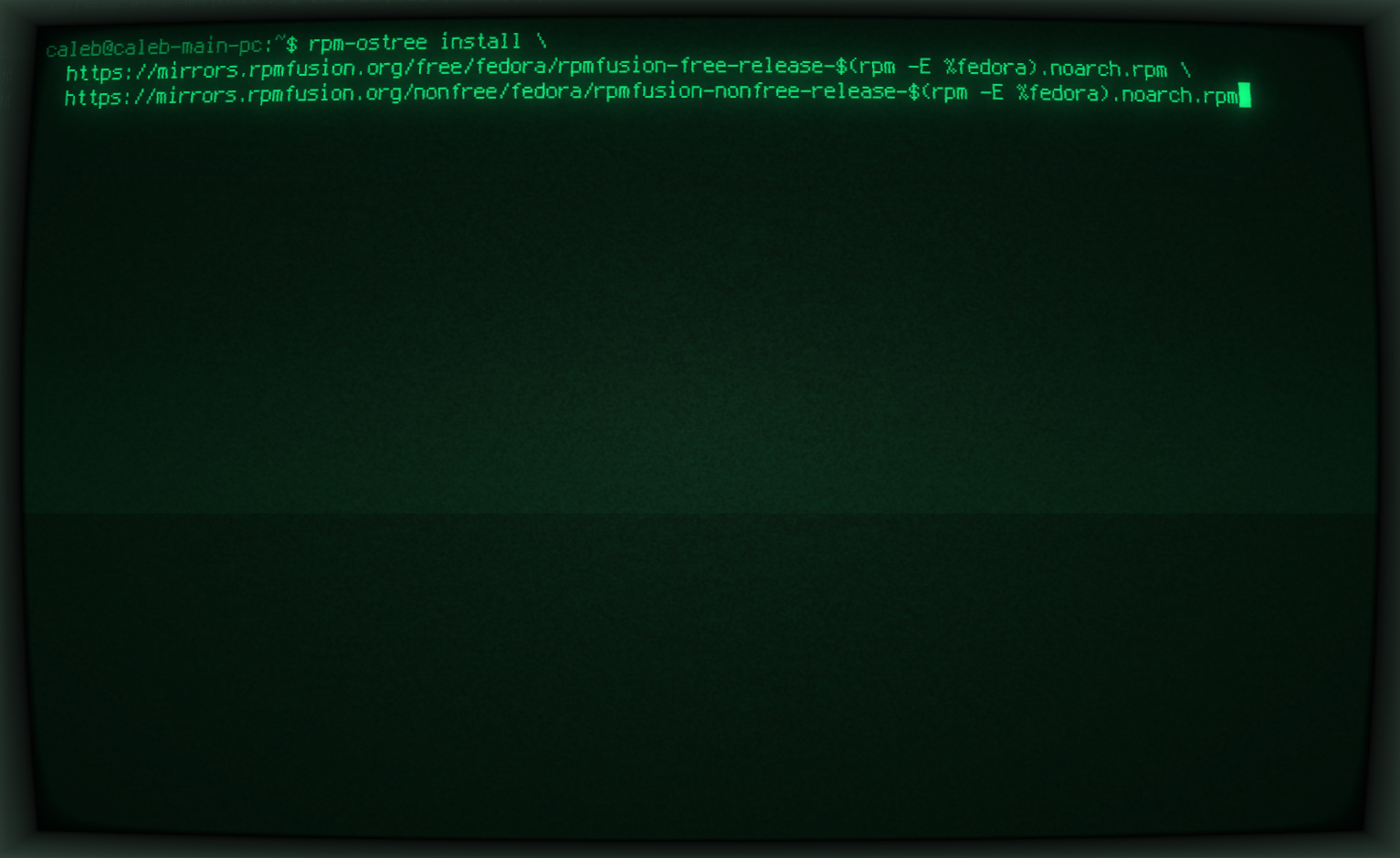
| 1c. Once the terminal is open, run the following command: (you can copy and past this from below: sudo rpm-ostree install \ https://mirrors.rpmfusion.org/free/fedora/rpmfusion-free-release-$(rpm -E %fedora).noarch.rpm \ https://mirrors.rpmfusion.org/nonfree/fedora/rpmfusion-nonfree-release-$(rpm -E %fedora).noarch.rpm Image with example on the side as an example. Hit Enter on your keyoard to execute the command! |
|
| 1d. Once it is done adding the Free and Non-Free Repositories, you need to run the reboot command next to be able to start using these repositories. Command to execute: systemctl reboot |
|
| 2. |
|
|
|
|
|
|
|